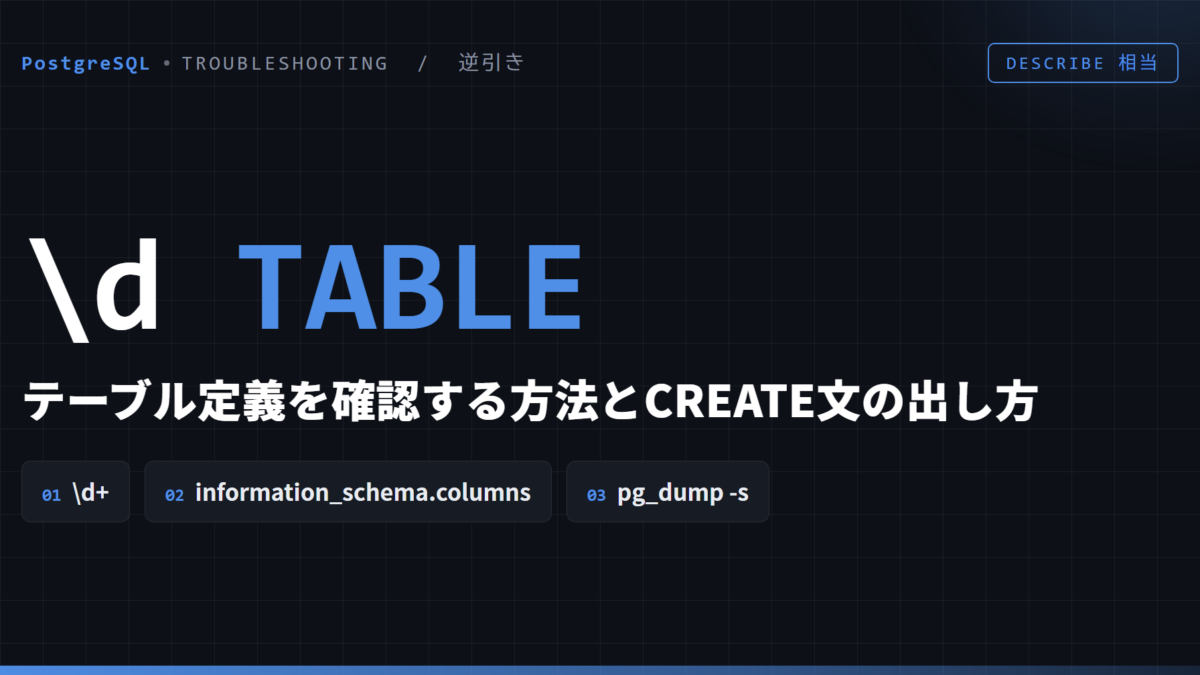
PostgreSQL でテーブルの列や型を見るには、psql の \d を使います。MySQL や Oracle の DESCRIBE、MySQL の SHOW CREATE TABLE はどちらも構文エラーになります。この記事の出力は PostgreSQL 17.6 で採りました。
DESCRIBE customers;
ERROR:  syntax error at or near "DESCRIBE"
LINE 1: DESCRIBE customers;
        ^
まず見る(結論)
- 列・型・索引・外部キーをまとめて見るなら
\d 表名 - SQL で列の情報を取るなら
information_schema.columns - CREATE TABLE 文が欲しいなら
pg_dump -s -t 表名 データベース名 - search_path に無いスキーマの表は
\d app.ordersのようにスキーマ名を付ける
\d で見る
\d customers
                        Table "public.customers"
   Column   |           Type           | Collation | Nullable | Default
------------+--------------------------+-----------+----------+---------
 id         | integer                  |           | not null |
 name       | text                     |           | not null |
 email      | character varying(100)   |           |          |
 created_at | timestamp with time zone |           |          | now()
Indexes:
    "customers_pkey" PRIMARY KEY, btree (id)
    "customers_email_key" UNIQUE CONSTRAINT, btree (email)
Referenced by:
TABLE "app.orders" CONSTRAINT "orders_customer_id_fkey" FOREIGN KEY (customer_id) REFERENCES customers(id)列の下に、索引(Indexes)と、この表を参照している外部キー(Referenced by)が出ます。varchar(100) は character varying(100)、timestamptz は timestamp with time zone と正式名で表示されます。
参照する側の表では Foreign-key constraints が出ます。bigserial で作った列は、既定値が nextval(...) になっています。
\d app.orders
                                     Table "app.orders"
   Column    |     Type      | Collation | Nullable |                Default
-------------+---------------+-----------+----------+----------------------------------------
 id          | bigint        |           | not null | nextval('app.orders_id_seq'::regclass)
 customer_id | integer       |           |          |
 amount      | numeric(10,2) |           |          |
 note        | text          |           |          |
Indexes:
    "orders_pkey" PRIMARY KEY, btree (id)
    "orders_cust_idx" btree (customer_id)
Foreign-key constraints:
    "orders_customer_id_fkey" FOREIGN KEY (customer_id) REFERENCES customers(id)
\d+ にすると、格納方式(Storage)、圧縮、統計の対象、列のコメント(Description)が増えます。
「Did not find any relation」と出たら
search_path に無いスキーマの表は、スキーマ名を付けずに指定すると見つかりません。索引も同じです。
\d orders
Did not find any relation named "orders".
\d app.orders、\d app.orders_cust_idx のようにスキーマ名を付ければ表示されます。どのスキーマにあるか分からなければ \dt *.orders で探します。
SQL で列の情報を取る
プログラムから列の一覧を取るときは、SQL 標準の information_schema.columns を使います。
SELECT column_name, data_type, character_maximum_length, is_nullable, column_default
  FROM information_schema.columns
 WHERE table_name = 'customers'
 ORDER BY ordinal_position;
 column_name |        data_type         | character_maximum_length | is_nullable | column_default
-------------+--------------------------+--------------------------+-------------+----------------
 id          | integer                  |                          | NO          |
 name        | text                     |                          | NO          |
 email       | character varying        |                      100 | YES         |
 created_at  | timestamp with time zone |                          | YES         | now()
(4 rows)同じ名前の表が複数のスキーマにあると全部出るので、AND table_schema = 'public' で絞ります。table_name は小文字で書きます(引用符なしで作った名前は小文字で保存されています)。
CREATE TABLE 文を出す
PostgreSQL には CREATE 文を返す関数がありません。pg_get_tabledef を呼ぶと、関数が存在しないというエラーになります。
SELECT pg_get_tabledef('customers');
ERROR:  function pg_get_tabledef(unknown) does not exist
LINE 1: SELECT pg_get_tabledef('customers');
               ^
HINT: No function matches the given name and argument types. You might need to add explicit type casts.代わりに、pg_dump に -s(定義だけ)と -t(表を指定)を付けて実行します。
$ pg_dump -U postgres -s -t customers sugdb
...
CREATE TABLE public.customers (
    id integer NOT NULL,
    name text NOT NULL,
    email character varying(100),
    created_at timestamp with time zone DEFAULT now()
);

ALTER TABLE public.customers OWNER TO postgres;

ALTER TABLE ONLY public.customers
    ADD CONSTRAINT customers_email_key UNIQUE (email);

ALTER TABLE ONLY public.customers
    ADD CONSTRAINT customers_pkey PRIMARY KEY (id);
(先頭の SET 文とコメントを省略しています)主キーや一意制約は CREATE TABLE の中ではなく、後ろの ALTER TABLE 文として出力されます。別の環境に同じ表を作るときは、この出力をそのまま流せます。
表の一覧は PostgreSQLでテーブル一覧を表示する を見てください。